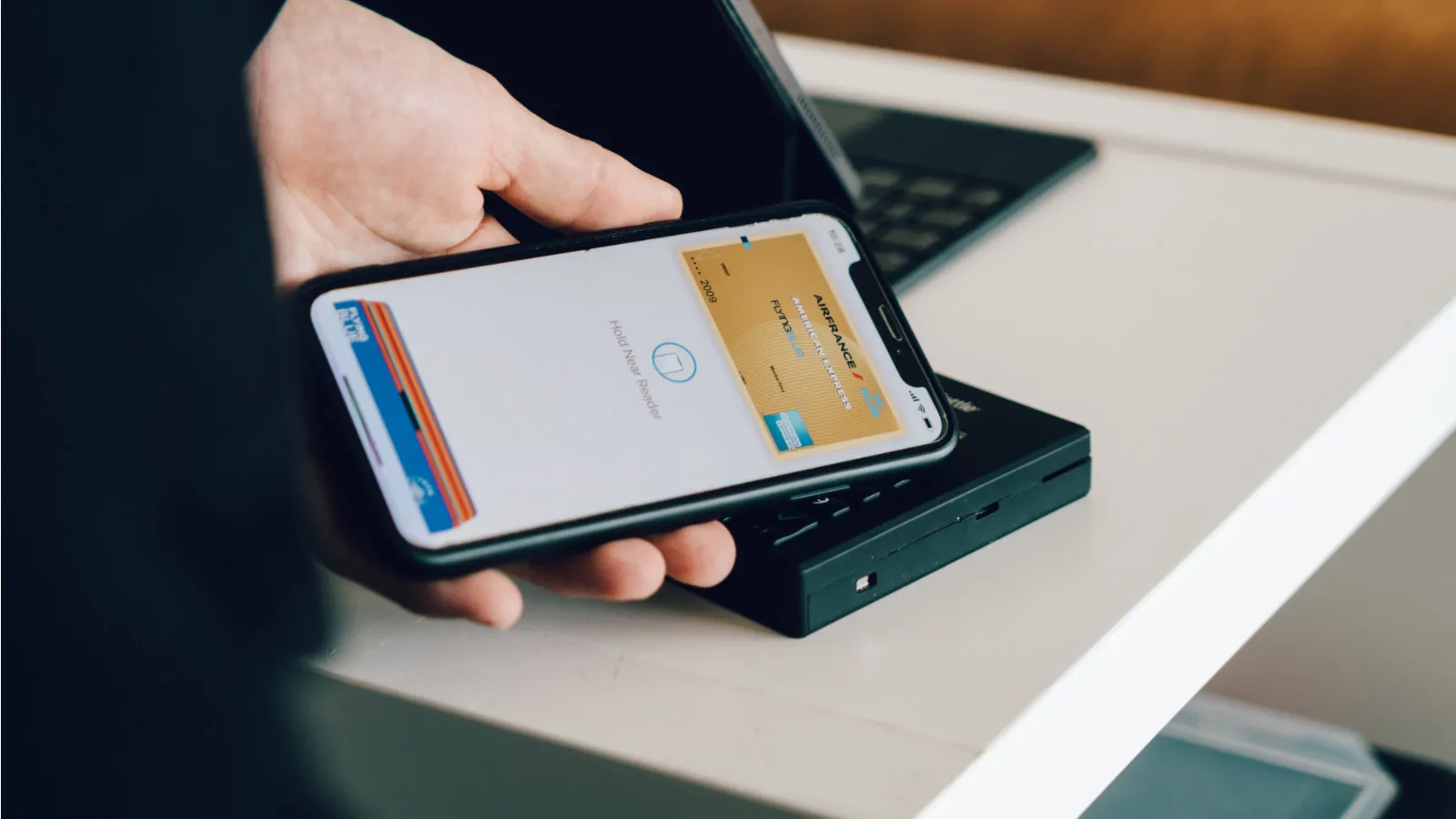

As an avid user of Apple products for many years, particularly in recent months, I find myself continuously discovering new features that enhance my experience. Many of these features are small, yet intriguing, and I believe they could significantly assist less experienced users as they begin their journey with these devices. For instance, while casually browsing through my iPhone settings, I stumbled upon a hidden simulator for Apple Pay. Although it may seem like a minor detail, I truly believe that these small innovations are what ultimately bring satisfaction, making users feel that the app is specifically designed to enhance their comfort and usability.
How to Access the Apple Pay Simulator
If you're interested in trying out the Apple Pay simulator yourself, you can do so easily by navigating to your settings. Simply go to Wallet & Apple Pay, and then select Apple Pay preferences. Scroll down until you find a small banner labeled "Payment Simulator". Tapping on this option will activate the Apple Pay simulator, guiding you through the entire payment process. This feature can be particularly beneficial for users who may not have much experience with iPhones or with Apple Pay itself. It's a great small detail to be aware of, and I would recommend others to give it a try if they feel the need.
As reported by letemsvetemapplem.eu.